Find it now, not
when it is too late
Most people look at their numbers only once something has already gone wrong. Hand Everyday AI a file you already have and it tells you what it found — before you knew to ask.
No account to make, nothing to install, nothing to set up. Drop the file in and it reads it.
What happens when you hand it a file
One file in, four kinds of answer back, in one conversation.
- Your answerCooking oil is the shelf losing money
- What it noticedA live payment key in a notes field
- Next month tooA renamed column, matched on its own
- Old records movedSix sets of records, listed and ready
You drop in a file. A till export, a bank statement, a spreadsheet.
It reads it where it sits — on your own machine.
Four things come back — in one conversation, not four apps.
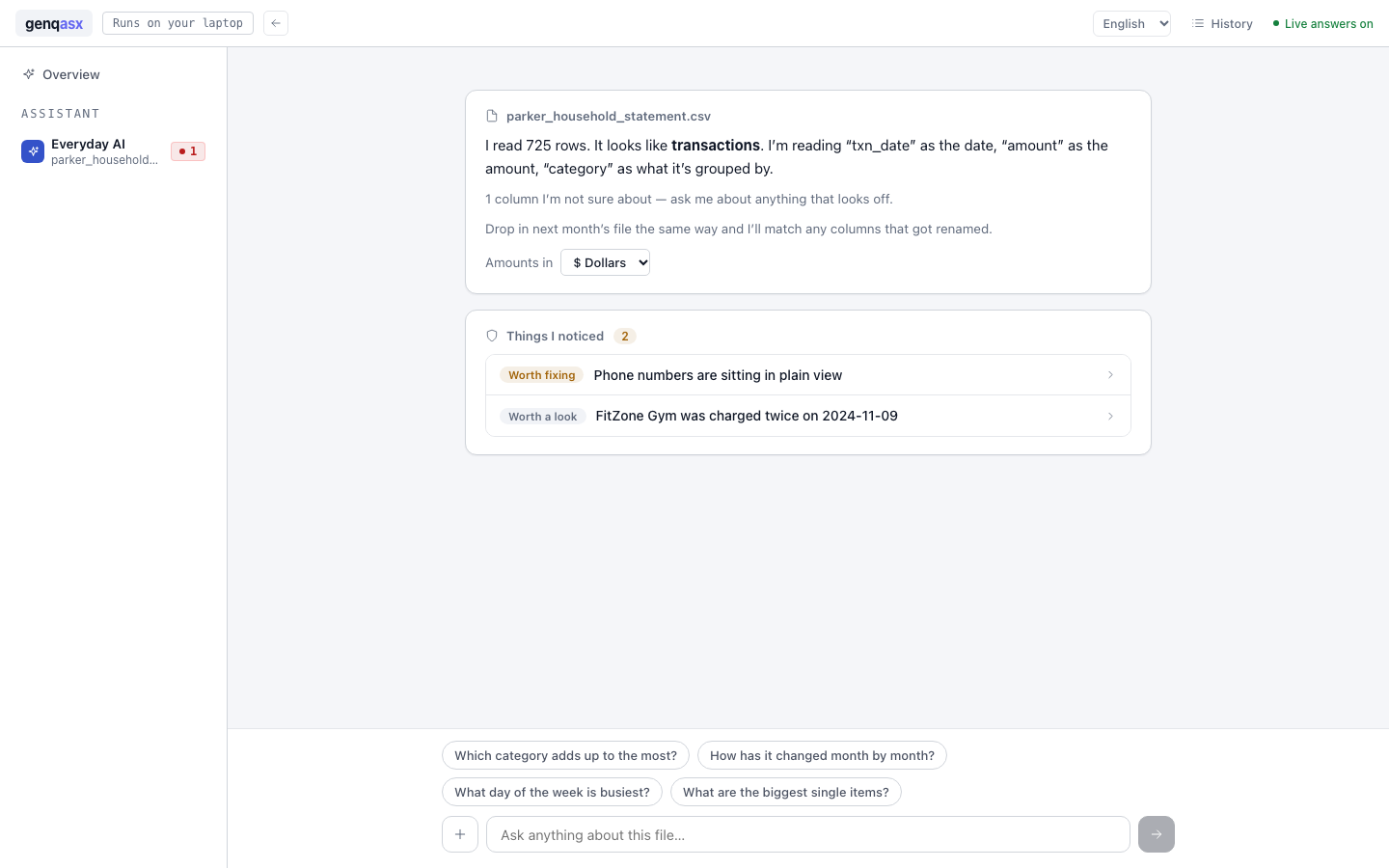
This is the screen, not a drawing of it
A real bank statement, read in about a second. Nothing here was staged.
Same assistant, three ways in
What changes is who is holding the file, and where it has to live.
Point it at a file you already have
Free while it is in early access, on your own machine. No card, no account, and nothing of yours leaves the laptop.